


.webp)



What to Expect During a Website Redesign Project
Planning a website redesign? Most projects take longer and require more involvement than businesses expect. Here's exactly what happens from discovery to launch—and how to make yours a success.

- Content is always the bottleneck — start gathering copy, images, and case studies before the project even kicks off
- Discovery and strategy aren't optional extras — misalignment at this stage is far more expensive to fix during development
- Specific feedback moves projects forward — vague notes like "make it pop" waste everyone's time and delay launches
- Scope creep is the #1 cause of delayed projects — define what's included clearly and use change orders for additions
- Launch is the beginning, not the end — the best websites are treated as living products that evolve based on data
What to Expect During a Website Redesign Project
Redesigning a website sounds straightforward. You pick new colors, update the copy, add some fresh photos, and launch. Simple, right?
Not quite. A proper website redesign is one of the most complex projects a business can undertake. It involves strategy, design, development, content, SEO, testing, and organizational alignment—all happening simultaneously, with multiple stakeholders and moving parts.
Most businesses go into redesign projects underprepared. They underestimate the time required, underestimate their own involvement, and overestimate how quickly decisions get made. The result? Projects drag on, budgets balloon, and the final product disappoints.
This guide sets realistic expectations. Whether you're working with an agency for the first time or you've been through redesigns before, here's exactly what the process looks like from kickoff to launch—and what you need to do to make it successful.
Why Website Redesigns Take Longer Than Expected
Before diving into the process, let's address the elephant in the room. If you've ever worked on a redesign before, you probably thought it would take six weeks and it took six months. You're not alone.
Redesigns take longer than expected for predictable reasons:
Decision-Making Takes Time: Every design decision requires review and approval. When multiple stakeholders are involved—founders, marketing directors, sales teams—getting alignment takes longer than anticipated. One round of feedback can take a week if people are busy.
Content Is Always the Bottleneck: Agencies can design and develop fast. But design requires content—copy, images, case studies, testimonials. Most businesses don't have this ready, and creating it from scratch takes time.
Scope Expands During the Process: Once you see design mockups, new ideas emerge. "Can we add a pricing calculator?" "Can we build a resource library?" Scope creep is the #1 cause of delayed projects.
Revisions Are Inevitable: First drafts are rarely final. Expecting multiple rounds of revisions is realistic. Each revision cycle adds time.
Technical Integrations Are Complex: Connecting your website to CRMs, marketing automation tools, payment processors, and analytics platforms takes more time than a simple page build.
Understanding these factors upfront helps you plan realistically and avoid frustration.
Phase 1: Discovery and Strategy
Duration: 1-2 weeks
Every successful redesign starts with discovery. This phase is about understanding your business, your audience, your goals, and your competitive landscape before a single pixel is designed.
What Happens During Discovery
Stakeholder Interviews: Your agency will want to talk to the people who know your business best. Founders, marketing leads, sales teams, and sometimes customers. These conversations reveal goals, frustrations, and priorities that shape every subsequent decision.
Analytics Audit: Your current website contains valuable data. Which pages drive the most traffic? Where do visitors drop off? What's your current conversion rate? Analytics data informs strategy and establishes benchmarks for measuring success.
Competitor Analysis: Understanding how competitors position themselves and what their websites do well (and poorly) identifies opportunities for differentiation.
Audience Research: Who are your customers? What do they care about? What questions do they have before making a purchase decision? Audience clarity drives content and messaging strategy.
Technical Audit: Your existing site has technical strengths and weaknesses. Understanding them prevents repeating mistakes and informs platform and architecture decisions.
What You Need to Provide
Discovery only works if you're engaged. Your agency will ask for:
- Access to Google Analytics and Search Console
- Your current brand guidelines (if they exist)
- Examples of websites you like and dislike
- Competitor URLs to analyze
- Information about your target audience
- Your business goals and success metrics
The more context you provide, the more strategic the outcome.
What Gets Delivered
At the end of discovery, your agency should deliver a strategy document covering:
- Project objectives and success metrics
- Sitemap (list of all pages and their hierarchy)
- User journey maps
- Messaging and positioning recommendations
- Technical requirements and platform recommendation
This document becomes the blueprint for everything that follows. Review it carefully. Misalignment at this stage is much cheaper to fix than misalignment during development.
Phase 2: Content Planning and Creation
Duration: 2-4 weeks (often runs parallel to design)
Content is the most underestimated phase of any redesign. It's also the most common bottleneck. Design cannot be finalized without real content. Placeholder text produces designs that look nothing like the finished product.
The Content Inventory
Before creating new content, audit what exists. Some content can be reused or updated. Other content needs to be created from scratch.
Your agency will create a content inventory that maps:
- Existing pages and whether content should be kept, updated, or replaced
- New pages that need to be created
- Content types required (hero copy, service descriptions, team bios, case studies, FAQs)
- Who is responsible for creating each piece
Content Creation: Your Responsibility or Theirs?
This varies by agency. Some agencies include copywriting in their services. Others expect clients to provide all content. Clarify this upfront.
If you're providing content yourself:
- Assign a point person responsible for all copy
- Create a content calendar with deadlines for each page
- Write in your brand voice consistently
- Have someone proofread before submitting
If your agency is writing copy:
- Expect an interview or questionnaire to capture your voice and key messages
- Plan for 1-2 rounds of revisions on copy
- Provide detailed feedback—vague notes like "make it better" delay the process
What Content You'll Need
For a typical business website:
- Homepage headline, subheadline, and body copy
- Service or product descriptions (one per offering)
- About page (company story, team bios, values)
- Case studies or portfolio pieces (if applicable)
- Testimonials (collect from real clients)
- Blog posts (if launching with content)
- FAQ content
- Legal pages (Privacy Policy, Terms of Service)
Start gathering this before your project kicks off. Waiting until design is underway creates delays.
Phase 3: Design
Duration: 2-4 weeks
Design is where your new website starts to take visual shape. This phase typically happens in stages, from broad strokes to detailed refinement.
Style Guide and Design System
Before designing full pages, your agency will establish a visual foundation:
- Color palette and usage rules
- Typography selections and hierarchy
- Button styles and interactive states
- Spacing and layout principles
- Icon and illustration style
This design system ensures consistency across every page and makes development faster and more reliable.
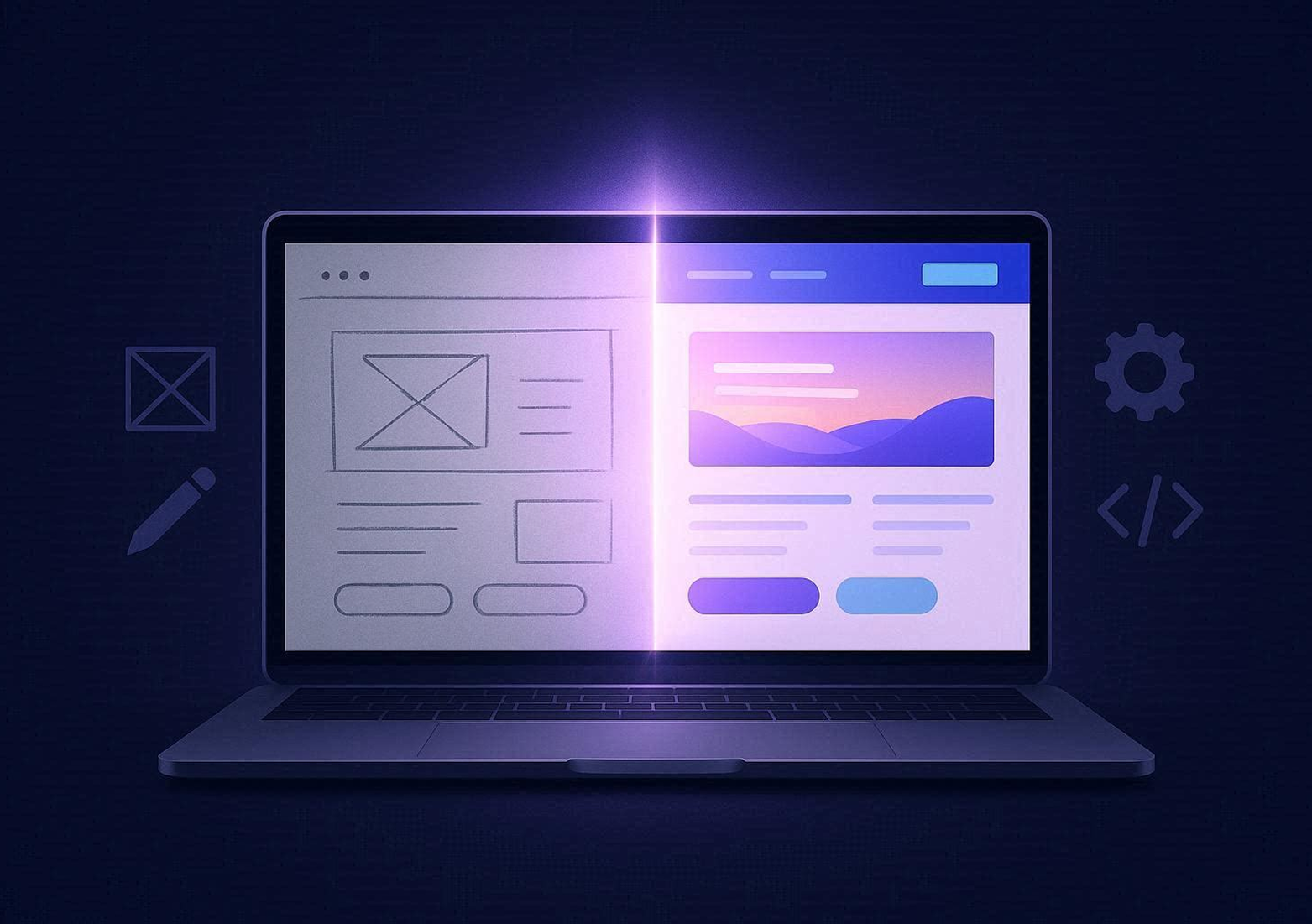
Wireframes
Wireframes are low-fidelity layouts that show page structure without visual design. They focus on content hierarchy, user flow, and functionality—not colors or aesthetics.
Review wireframes critically. Ask:
- Does this structure make sense for users?
- Is the content hierarchy logical?
- Are the calls-to-action in the right places?
- Does this match the user journey we mapped in discovery?
Wireframe feedback is the cheapest feedback to act on. Structural changes at this stage take hours, not days.
High-Fidelity Mockups
Once wireframes are approved, designers apply the visual design system to create full-color, detailed page mockups. These look like screenshots of the finished website.
Key pages typically designed first:
- Homepage
- Primary service or product page
- About page
- Contact page
- Blog listing and blog post template
Supporting pages follow once primary designs are approved.
What Good Design Feedback Looks Like
Design reviews are one of the most critical moments in any project. Vague feedback derails progress. Specific feedback accelerates it.
Unhelpful feedback:
- "I don't like it"
- "Make it pop more"
- "Something feels off"
Helpful feedback:
- "The hero headline needs to mention our primary service more directly"
- "The button color doesn't have enough contrast against this background"
- "Can we move the testimonials above the pricing section?"
- "The mobile layout looks cramped—can we increase spacing between sections?"
Reference specific elements, explain why something isn't working, and suggest solutions when possible. This gives designers clear direction.
Revision Rounds
Most agencies include 2-3 rounds of design revisions. Consolidate all feedback into a single document per round. Drip-feeding feedback—sending new notes after each revision—prolongs the process unnecessarily.
Phase 4: Development
Duration: 2-4 weeks
Once designs are approved, development begins. This is where static mockups become a live, functioning website. For Webflow projects, design and development often happen simultaneously, since Webflow's visual editor lets you build directly in the browser.
What Happens During Development
Building in Webflow: Developers recreate approved designs in Webflow's Designer, starting with the design system (colors, typography, components) before building individual pages.
CMS Setup: If your site includes a blog, case studies, team pages, or other dynamic content, Webflow CMS Collections are configured to manage that content efficiently.
Responsive Design: Every page is optimized for desktop, tablet, and mobile. Each breakpoint requires individual attention to ensure layouts work seamlessly across screen sizes.
Interactions and Animations: Hover effects, scroll animations, and micro-interactions are built using Webflow's Interactions panel without custom JavaScript in most cases.
Integrations: Third-party tools are connected. Email marketing platforms, CRM systems, analytics, chat widgets, and payment processors all need to be configured and tested.
Content Entry: Once pages are built, real content is entered—copy, images, videos, case studies, team bios.
What You Can Expect
Development is primarily internal agency work. Your involvement during this phase is limited but important:
- Provide final content if not yet submitted
- Respond to questions quickly when the development team has clarifying questions
- Review staging site access when provided
Staging Environment
Before launch, you'll receive access to a staging site—a private URL where you can review the full website without it being live to the public. This is your opportunity to catch issues before they go live.
When reviewing staging:
- Click every link and button
- Submit every form and check for confirmation messages
- Review every page on mobile and desktop
- Check all images load correctly
- Review all copy for typos and accuracy
Document every issue in a single, organized list. Organize by page and element to make it easier for developers to work through systematically.
Phase 5: Quality Assurance and Testing
Duration: 3-5 days
Quality assurance (QA) is a dedicated testing phase where your agency systematically checks every aspect of the website before launch. Good agencies have a QA checklist that covers hundreds of potential issues.
What Gets Tested
Cross-Browser Testing: Your site needs to work in Chrome, Firefox, Safari, and Edge. Each browser renders code slightly differently, and issues that appear in one may not appear in others.
Cross-Device Testing: Desktop, tablet, and mobile devices all need testing. Screen sizes vary widely, and layouts that look perfect on a MacBook Pro may break on a small Android screen.
Form Testing: Every contact form, newsletter signup, and lead capture form needs to be submitted and verified. Check that submissions reach the correct email or CRM.
Performance Testing: PageSpeed Insights and GTmetrix test load times and Core Web Vitals. Identify and fix performance bottlenecks before launch.
SEO Audit: Verify that every page has unique meta titles and descriptions, all images have alt text, the sitemap is correct, and 301 redirects are properly configured for any changed URLs.
Accessibility Check: Test keyboard navigation, color contrast ratios, and screen reader compatibility. Accessibility is both ethical and legally important in many regions.
Link Checking: Every internal and external link needs to work. Broken links frustrate users and hurt SEO.
Your Role in QA
Your agency runs formal QA, but you should do your own review as well. You know your business better than anyone. You'll catch content errors, factual inaccuracies, and missing information that a developer might overlook.
Give yourself dedicated, focused time for this review. Skimming quickly and approving without thorough review often means catching problems after launch, when fixes are more expensive and disruptive.
Phase 6: Launch
Duration: 1-2 days
Launch day is exciting but requires careful coordination. A methodical approach prevents problems.
Pre-Launch Checklist
Before going live, verify:
- All QA issues are resolved
- DNS records are ready to be updated
- Analytics tracking is in place and tested
- Search Console is verified and sitemap submitted
- All forms are live and routing correctly
- SSL certificate is active
- 301 redirects are configured for changed URLs
- Legal pages (Privacy Policy, Terms of Service) are current
Launch Timing
Launch during low-traffic periods—early morning on a weekday is ideal. Avoid Fridays, when weekend staffing makes urgent fixes harder. Avoid launching during major campaigns or events when unexpected downtime would be especially costly.
DNS Propagation
Changing DNS records to point your domain to the new Webflow hosting can take anywhere from a few minutes to 48 hours, depending on your domain registrar. During this window, some visitors may see your old site and others may see your new one. This is normal.
Post-Launch Monitoring
In the first 24-48 hours after launch, monitor:
- Uptime (make sure the site stays online)
- Form submissions (verify leads are coming through)
- Analytics (confirm tracking is recording data)
- Search Console (watch for any new crawl errors)
Phase 7: Post-Launch Support and Optimization
Duration: Ongoing
Launch isn't the end—it's the beginning. A great agency doesn't disappear after launch.
What Happens After Launch
Bug Fixes: Minor issues always emerge post-launch. Real users interact with websites differently than testers. A short post-launch support window (typically 30 days) covers these fixes.
Performance Monitoring: Track Core Web Vitals, page speed, and user experience metrics in the weeks following launch. Address any regressions quickly.
SEO Monitoring: Watch keyword rankings and organic traffic. Some fluctuation is normal post-launch, especially after a migration. Rankings typically stabilize within 2-4 weeks.
Conversion Optimization: Once the site is live and collecting real data, optimization begins. A/B testing, heatmap analysis, and user feedback reveal opportunities to improve conversion rates.
Content Updates: A new website creates momentum for content marketing. Publish blog posts, add case studies, and refresh messaging based on sales conversations.
Retainer vs. Project-Based Support
Some businesses prefer a monthly retainer for ongoing design and development support. Others handle updates internally and only engage agencies for major changes.
Either approach works. What doesn't work is launching a website and forgetting about it. The best-performing sites are treated as living products that evolve continuously based on data and changing business needs.
How to Be a Great Client
Agency relationships work both ways. The best outcomes happen when clients are engaged, responsive, and organized. Here's how to be the client every agency loves working with:
Consolidate Feedback: Gather input from all stakeholders before sending feedback. Conflicting notes from different team members in separate emails creates confusion and delays.
Respect Timelines: If your agency needs content by Thursday, get it to them by Thursday. Every delay on your end pushes the entire project timeline back.
Make Decisions: Redesigns stall when clients can't decide. Trust your instincts, trust your agency's expertise, and move forward. Overthinking every decision is more expensive than making an imperfect one.
Communicate Clearly: If something isn't working for you, say so directly and explain why. Vague feedback wastes everyone's time. Specific, actionable feedback moves projects forward.
Trust the Process: Your agency has done this many times. When they recommend an approach, there's usually a good reason. Ask questions, understand the rationale, then make informed decisions.
Final Thoughts: Preparation is Everything
The difference between a smooth redesign and a painful one isn't talent—it's preparation. Agencies that have everything they need produce better work faster. Clients who are engaged and decisive get better results.
Go into your redesign knowing:
- It will take longer than you expect (plan for it)
- Content will be the bottleneck (start early)
- Decisions need to be made quickly (assign clear ownership)
- Revisions are part of the process (plan for them)
- Launch is the beginning, not the end (budget for optimization)
A well-executed redesign transforms your website from a static brochure into a dynamic growth engine. It positions your brand credibly, generates qualified leads, and gives your team a platform they're proud to share.
The process requires investment—of time, money, and organizational energy. But when done right, the return on that investment compounds for years.
%207.png)
Continue reading







%201.webp)
%201.webp)
%201.webp)